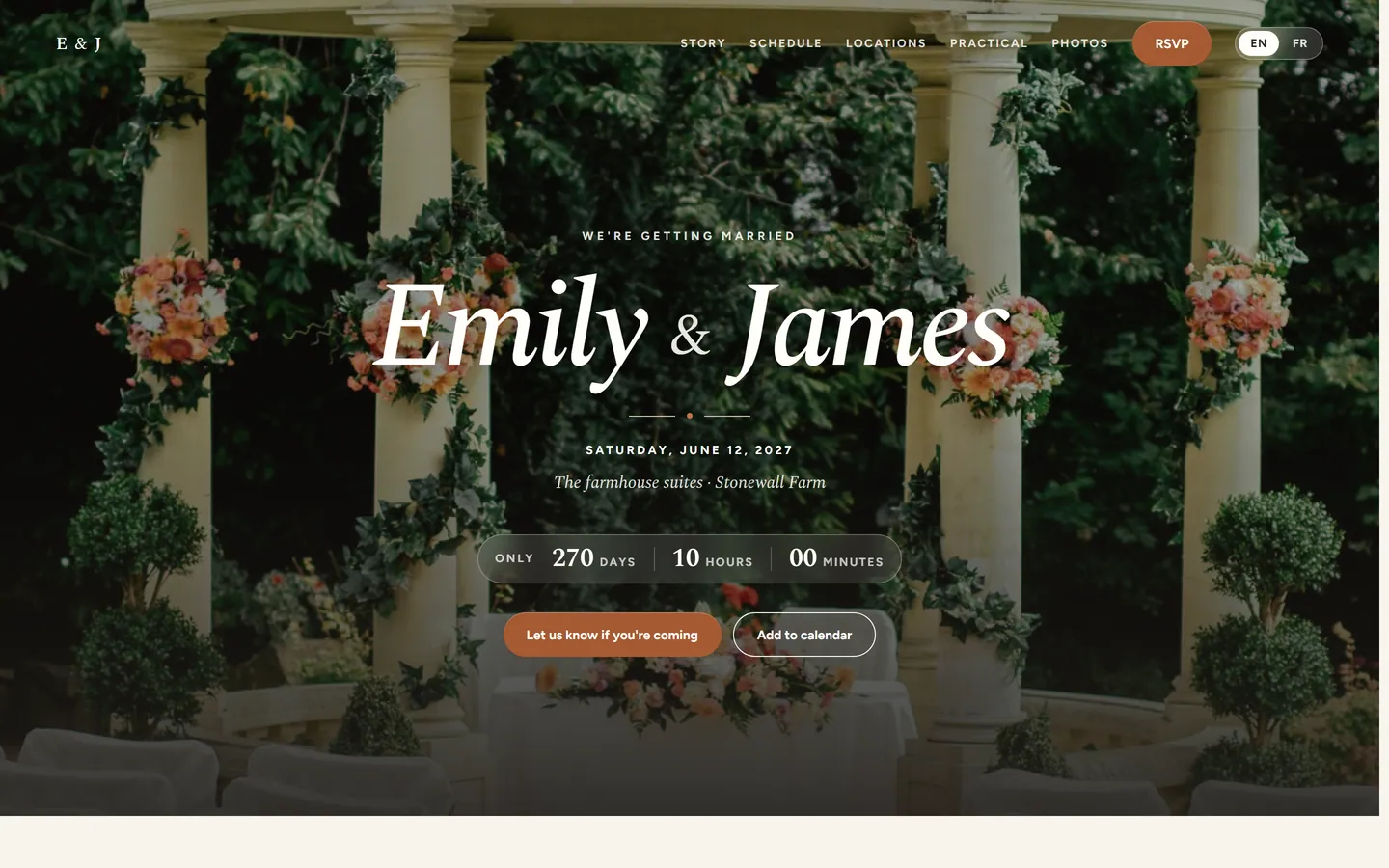
Names and date
The opening of the site: who is getting married, when, and the first thing a guest reads.
Your wedding website
Share the practical things with your guests and collect their answers in the same place as your guest list, dietary needs, seating chart, and messages.
No separate form, no second spreadsheet, and nothing to copy over by hand.
This is what your guests see. Everything behind it stays yours.
The demo is a fully built demo wedding, Emily & James in the Hudson Valley. Create a free account and click around anywhere; you cannot break anything.
Your wedding website is more than a pretty card. It is where guests find out what happens when, and where they answer.
The opening of the site: who is getting married, when, and the first thing a guest reads.
Your own words about how you got here, as long or as short as you want.
The real night sky above the moments that matter, calculated for the place and the minute.
The map of the spot where it started, in the style and framing you choose.
The parts of the day a guest is invited to, with times that match your plan.
Addresses, routes, parking, and accessibility, only for the parts guests may see.
What to wear and what is being served, without a separate email thread.
The questions every guest asks, room blocks nearby, and who to call on the day.
Where to point guests who ask. Contributions go straight to you; we never touch the money.
Answers per person and per event, landing straight in your guest list.
You turn on only the parts you want. A guest never sees an empty section, and never sees a part of the day they are not invited to.
Nothing goes live by accident. Your site moves through four states, and you move it. Who gets in is a separate choice, one of three privacy settings; an access code is the default, and most couples keep it.
Only the two of you are working on it. Guests cannot reach the site at all.
Look at the site the way a guest would, without putting it live yet.
The site is live, inside the privacy setting you chose.
Take it offline for a while when something is not right yet.
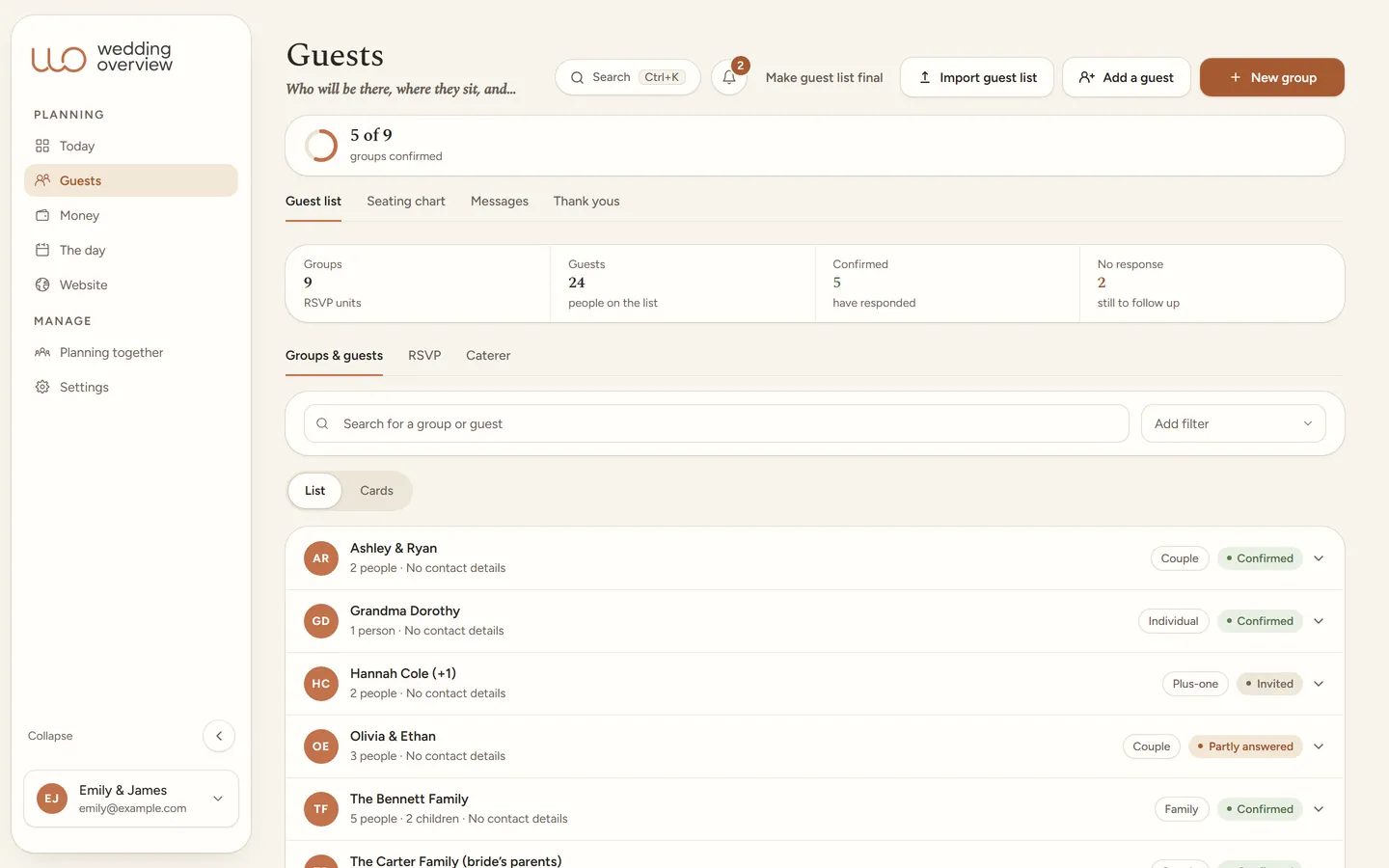
This is how the visible information and your internal overview come together.
Site behind an access code. Personal RSVP links show only their own group.
Example with fictional wedding data.
No theme picker and no fuss: Wedding Overview comes in one warm look, Boho Terracotta. It carries automatically from the app to your public wedding website and your stationery, so planning and presentation stay one whole.
Frequently asked
One calm place for your whole wedding.
Guest list, budget, day-of timeline, and your wedding website in one place. $99 once, no subscription.